What it costs
| Part | Price | Why it’s here |
|---|---|---|
| Thrustmaster T128 (PlayStation) | $229.99 | The cheapest wheel you can buy new that has real force feedback, a warranty, and an official PlayStation licence. |
| DIY plywood wheel stand | ~$40 | Materials only. Or clamp to a desk you already own and spend $0. |
| Screen | $0 | Use the TV you already play on. A dedicated monitor is the last upgrade, not the first. |
| Seat | $0 | Any firm chair. A racing seat is a want, not a need. |
| Total | ~$270 | Under budget, on purpose — leave room for a game. |
Why the T128 and not the G29
Most “cheap sim racing” lists start with the Logitech G29. It’s a good wheel. It’s also $299.99 — and the shifter everyone assumes is included is a separate $59.99.
The Thrustmaster T128 is $229.99, has force feedback, is officially licensed for PlayStation, and comes with a warranty. For someone spending their own money for the first time, that $70 difference is a game, or most of a stand.
The wheel. Everything else on this list can be upgraded later for cheap, or built from plywood. A wheel with no force feedback isn’t a cheaper version of this hobby — it’s a different, worse one.
The stand
A wheel clamped to a flimsy desk will flex, and flexing ruins the one thing you paid for: feeling what the car is doing. Two honest options.
- $0 — clamp to an existing desk. Works, if the desk is solid. Put a folded towel or a rubber shim under the clamp so it doesn’t creep under load.
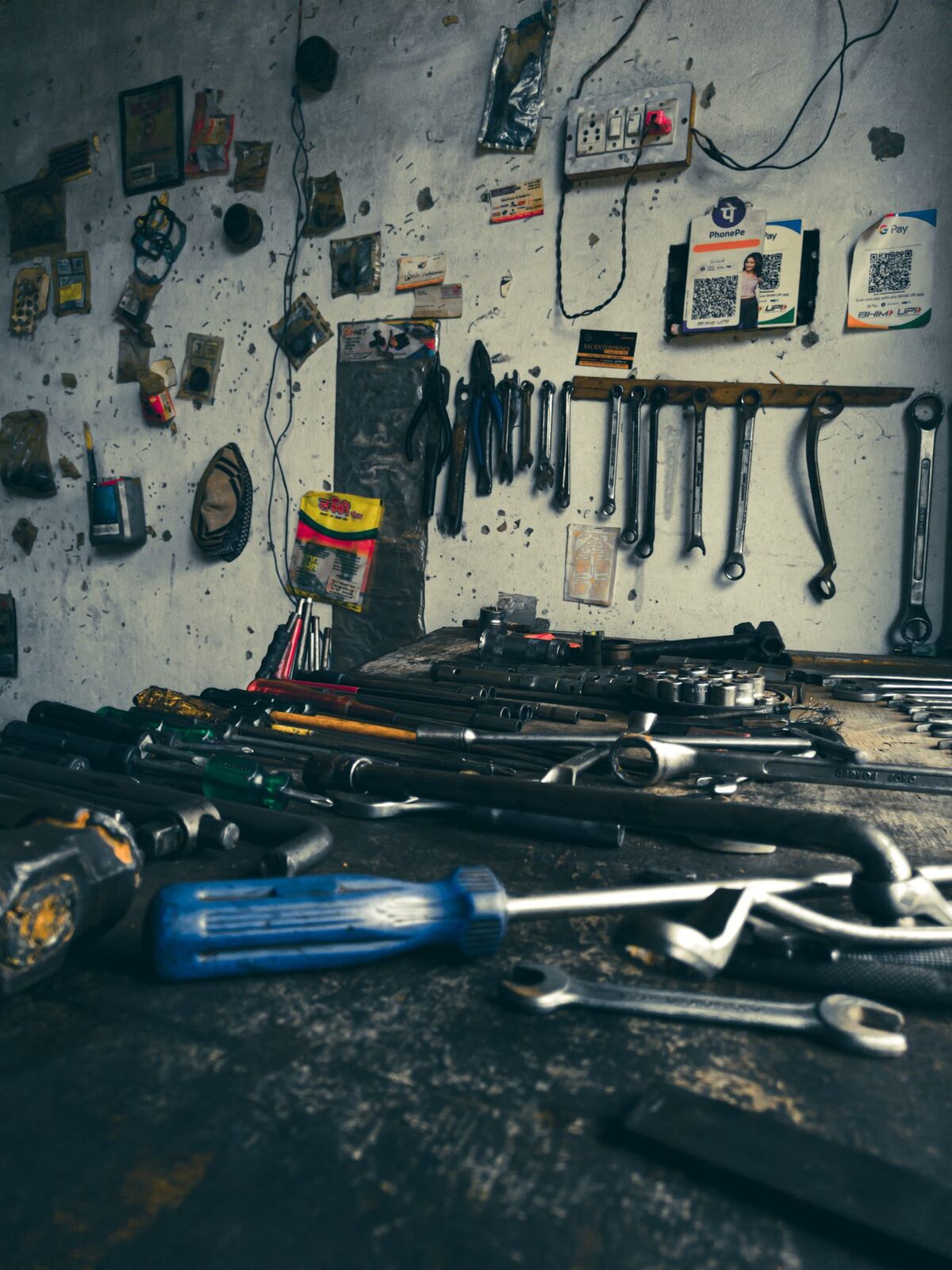
- ~$40 — build a plywood stand. One sheet of 18 mm ply, some bolts, an afternoon. Cut list going up once I’ve built mine and confirmed the measurements are right.
Power tools are genuinely dangerous and this is not the place to learn alone. Eye protection, someone else in the room, and don’t rush the cuts.
What I’d upgrade first
Pedals. On every wheel at this price the brake is a spring — you push it a distance. On real cars and better pedals you push with pressure, which is what a load cell measures. It’s the single biggest “oh” moment per dollar in this hobby.
What a load cell actually is →
Before you buy
- Confirm the wheel is the PlayStation version. The Xbox one is the same price and will not work.
- Check the game you want actually supports a wheel on your console. Most racing sims do; some arcade racers don’t.
- Measure your desk before buying a clamp-on anything.